

Parámetros
- 346 páginas
- 13 horas de lectura
Más información sobre el libro
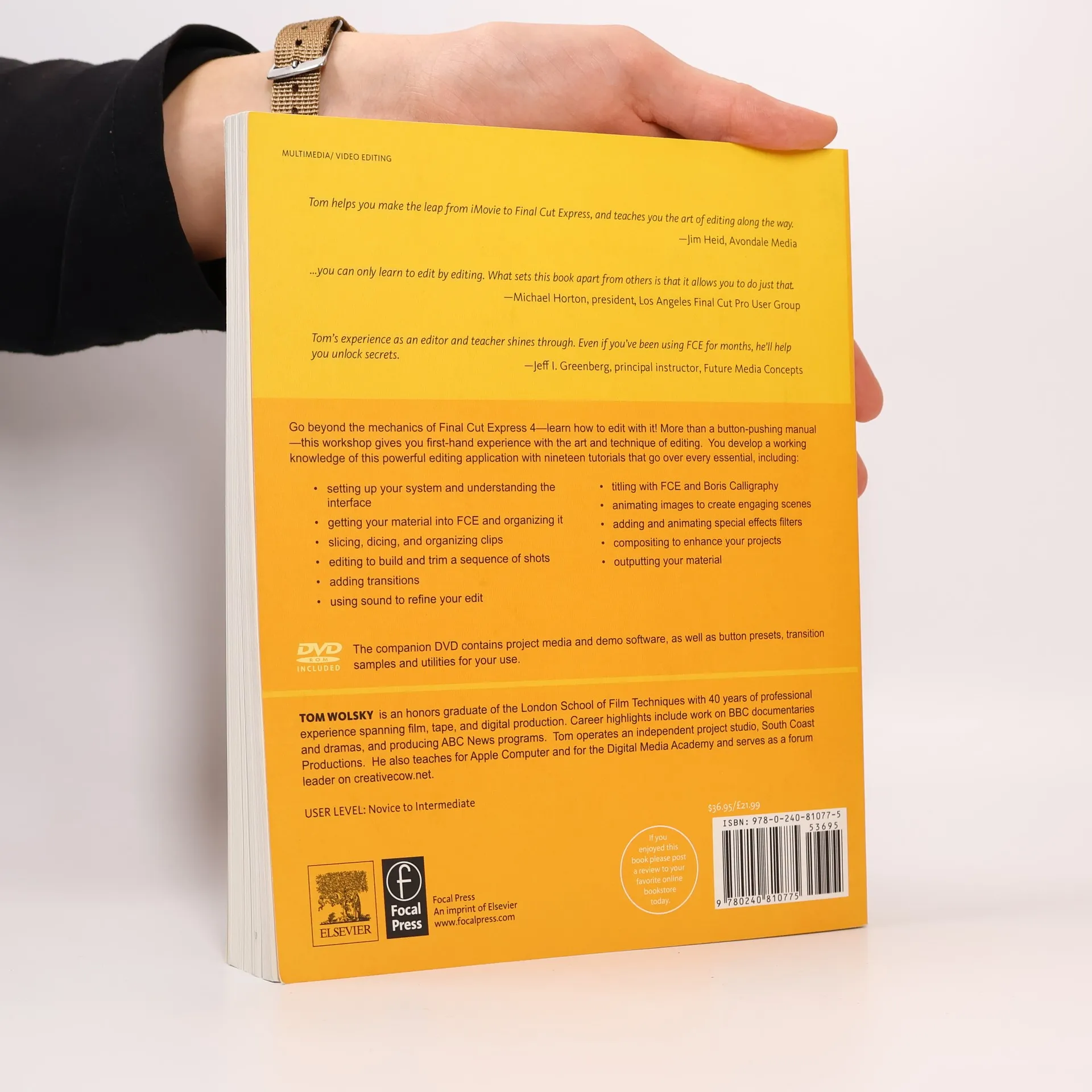
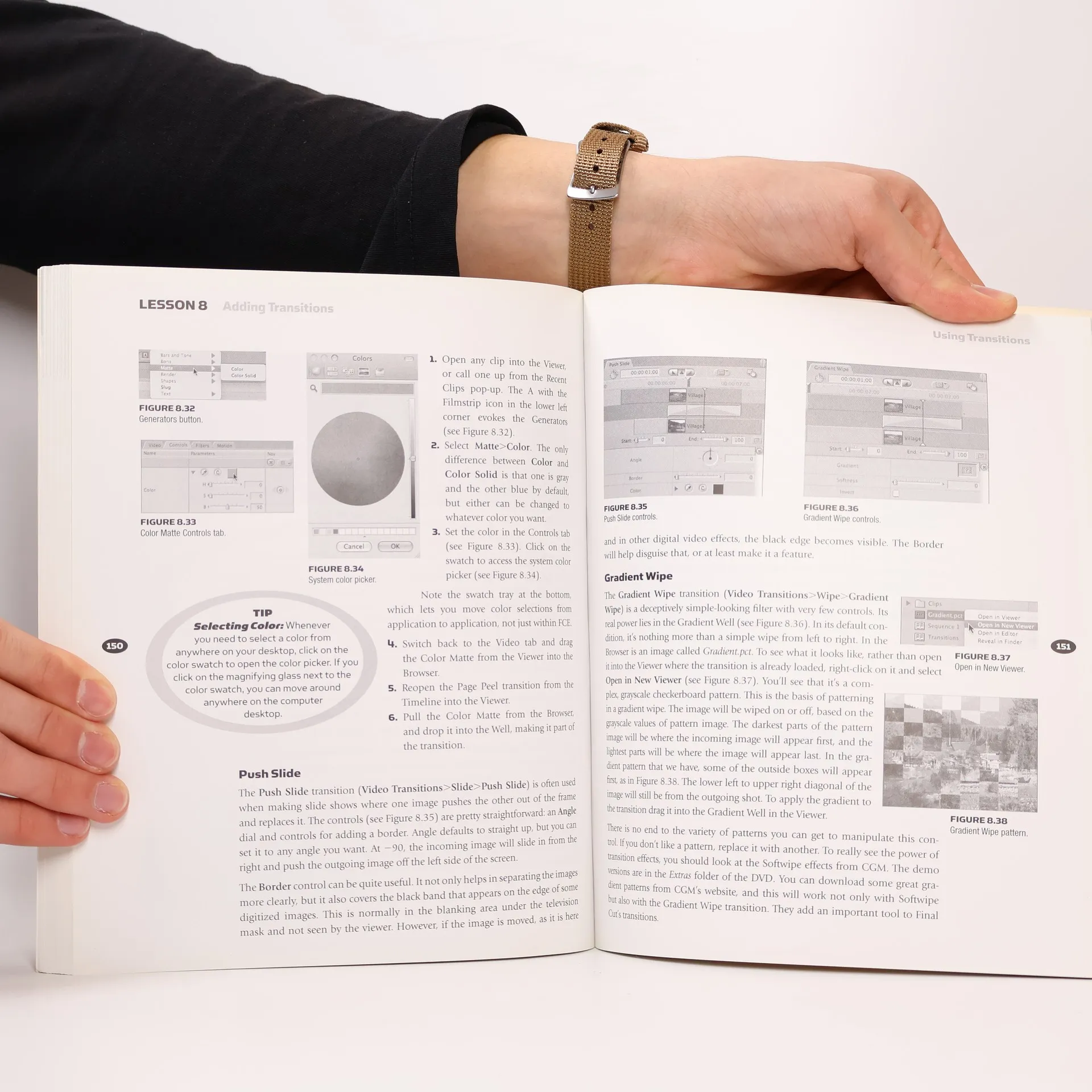
Go beyond the mechanics of Final Cut Express 4--learn how to edit with it! More than a button-pushing manual--this workshop give you firsthand experience with the art and technique of editing. You develop a working knowledge with nineteen tutorials that cover each and every essential, * setting up your system and understanding the interface* ingesting and organizing your material including drive-based and disc-based camera data* slicing, dicing, and organizing clips* editing to build and trim a sequence of shots* adding transitions* using sound to refine your edit* titling with FCE and Photoshop* animating images to create engaging scenes* adding special effects filters* compositing to enhance your projects* outputting your materialThe downloadable resources contain project media, demo software, and free plug-ins for your use.
Compra de libros
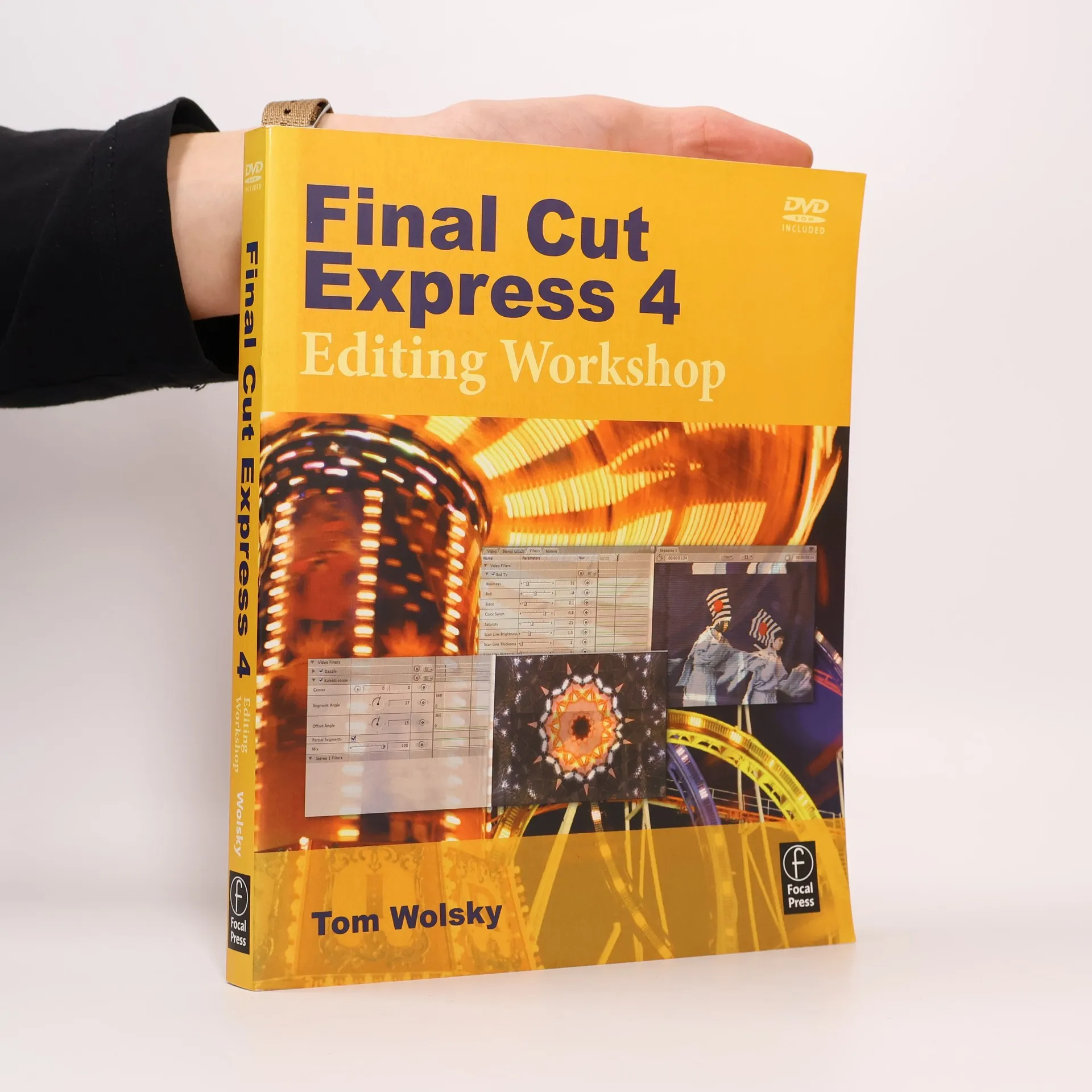
Final Cut Express 4 Editing Workshop, Tom Wolsky
- Idioma

- Publicado en
- 2008
- Encuadernación
- (Tapa blanda)
Métodos de pago
Nos falta tu reseña aquí
- Título
- Final Cut Express 4 Editing Workshop
- Idioma
- Inglés
- Autores
- Tom Wolsky
- Editorial
- Routledge
- Publicado en
- 2008
- Formato
- Tapa blanda
- Páginas
- 346
- ISBN10
- 0240810775
- ISBN13
- 9780240810775
- Serie
- Categorías
- Etiquetas
- EE.UU., Temática cinematográfica, Medios y comunicación mediática, Diseño gráfico, Desarrollo de Software, Procesamiento de datos, Caja, Diálogo, Animación, Video Digital
- Calificación
- 3,6 de 5
- Descripción
- Go beyond the mechanics of Final Cut Express 4--learn how to edit with it! More than a button-pushing manual--this workshop give you firsthand experience with the art and technique of editing. You develop a working knowledge with nineteen tutorials that cover each and every essential, * setting up your system and understanding the interface* ingesting and organizing your material including drive-based and disc-based camera data* slicing, dicing, and organizing clips* editing to build and trim a sequence of shots* adding transitions* using sound to refine your edit* titling with FCE and Photoshop* animating images to create engaging scenes* adding special effects filters* compositing to enhance your projects* outputting your materialThe downloadable resources contain project media, demo software, and free plug-ins for your use.