

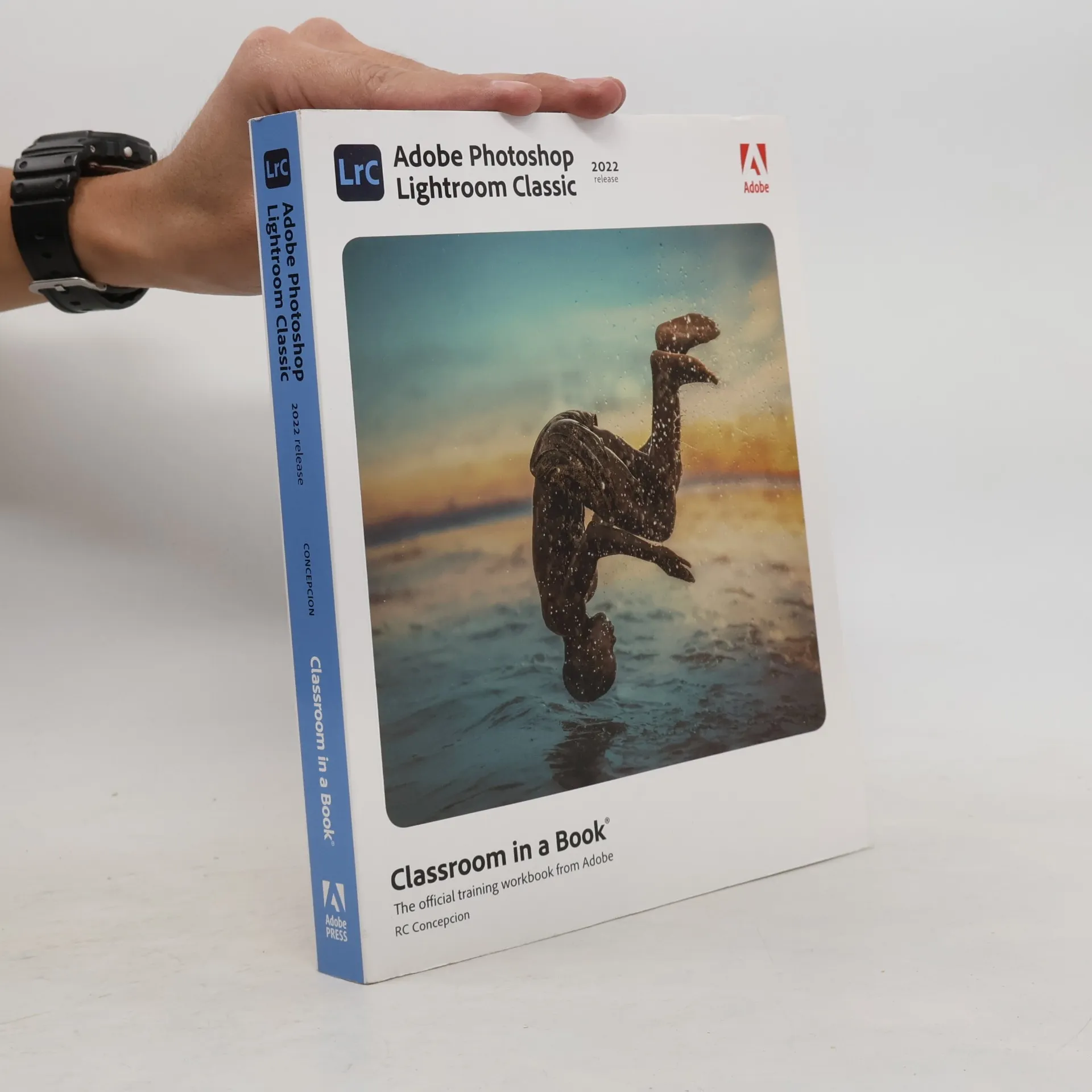
Adobe Photoshop Lightroom Classic Classroom in a Book
2022 Release: The Official Training Workbook from Adobe
Autores
Parámetros
- 448 páginas
- 16 horas de lectura
Más información sobre el libro
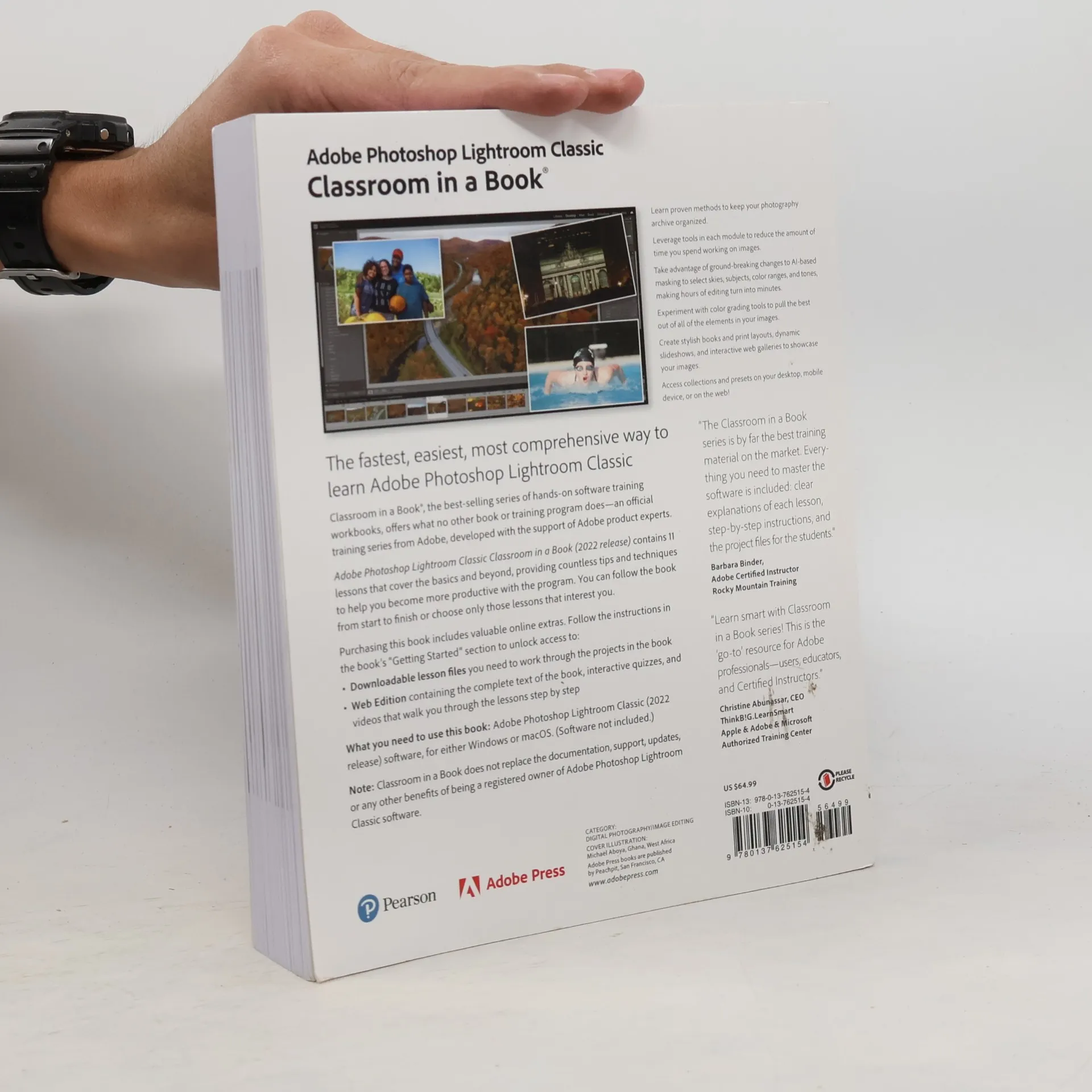
Learn effective methods to keep your photography archive organized and utilize tools in each module to minimize time spent on image editing. Discover AI-based masking techniques to quickly select skies, subjects, color ranges, and tones, transforming hours of editing into just minutes. Experiment with color grading tools to enhance your images, and create stylish books, print layouts, dynamic slideshows, and interactive web galleries to showcase your work. Access collections and presets on desktop, mobile, or the web! This comprehensive guide offers a unique learning experience through hands-on training, developed with Adobe product experts. It includes 11 lessons covering both basic and advanced techniques to boost your productivity with Adobe Photoshop Lightroom Classic. You can follow the lessons sequentially or select those that pique your interest. Purchasing this guide grants access to valuable online resources, including downloadable lesson files, a Web Edition with the complete text, interactive quizzes, and instructional videos. To use this guide, you'll need Adobe Photoshop Lightroom Classic (2022 release) for Windows or macOS (software not included). Note that this guide does not replace the official documentation or support for Adobe Photoshop Lightroom Classic.
Compra de libros
Adobe Photoshop Lightroom Classic Classroom in a Book, Rafael "RC" Concepcion
- Idioma

- Publicado en
- 2022
- Encuadernación
- (Tapa blanda),
- Estado del libro
- Bueno
- Precio
- 18,49 €
Métodos de pago
Nadie lo ha calificado todavía.
- Título
- Adobe Photoshop Lightroom Classic Classroom in a Book
- Subtítulo
- 2022 Release: The Official Training Workbook from Adobe
- Idioma
- Inglés
- Autores
- Rafael "RC" Concepcion
- Editorial
- Adobe Press
- Publicado en
- 2022
- Formato
- Tapa blanda
- Páginas
- 448
- ISBN10
- 0137625154
- ISBN13
- 9780137625154
- Serie
- Descripción
- Learn effective methods to keep your photography archive organized and utilize tools in each module to minimize time spent on image editing. Discover AI-based masking techniques to quickly select skies, subjects, color ranges, and tones, transforming hours of editing into just minutes. Experiment with color grading tools to enhance your images, and create stylish books, print layouts, dynamic slideshows, and interactive web galleries to showcase your work. Access collections and presets on desktop, mobile, or the web! This comprehensive guide offers a unique learning experience through hands-on training, developed with Adobe product experts. It includes 11 lessons covering both basic and advanced techniques to boost your productivity with Adobe Photoshop Lightroom Classic. You can follow the lessons sequentially or select those that pique your interest. Purchasing this guide grants access to valuable online resources, including downloadable lesson files, a Web Edition with the complete text, interactive quizzes, and instructional videos. To use this guide, you'll need Adobe Photoshop Lightroom Classic (2022 release) for Windows or macOS (software not included). Note that this guide does not replace the official documentation or support for Adobe Photoshop Lightroom Classic.