

Parámetros
- 552 páginas
- 20 horas de lectura
Más información sobre el libro
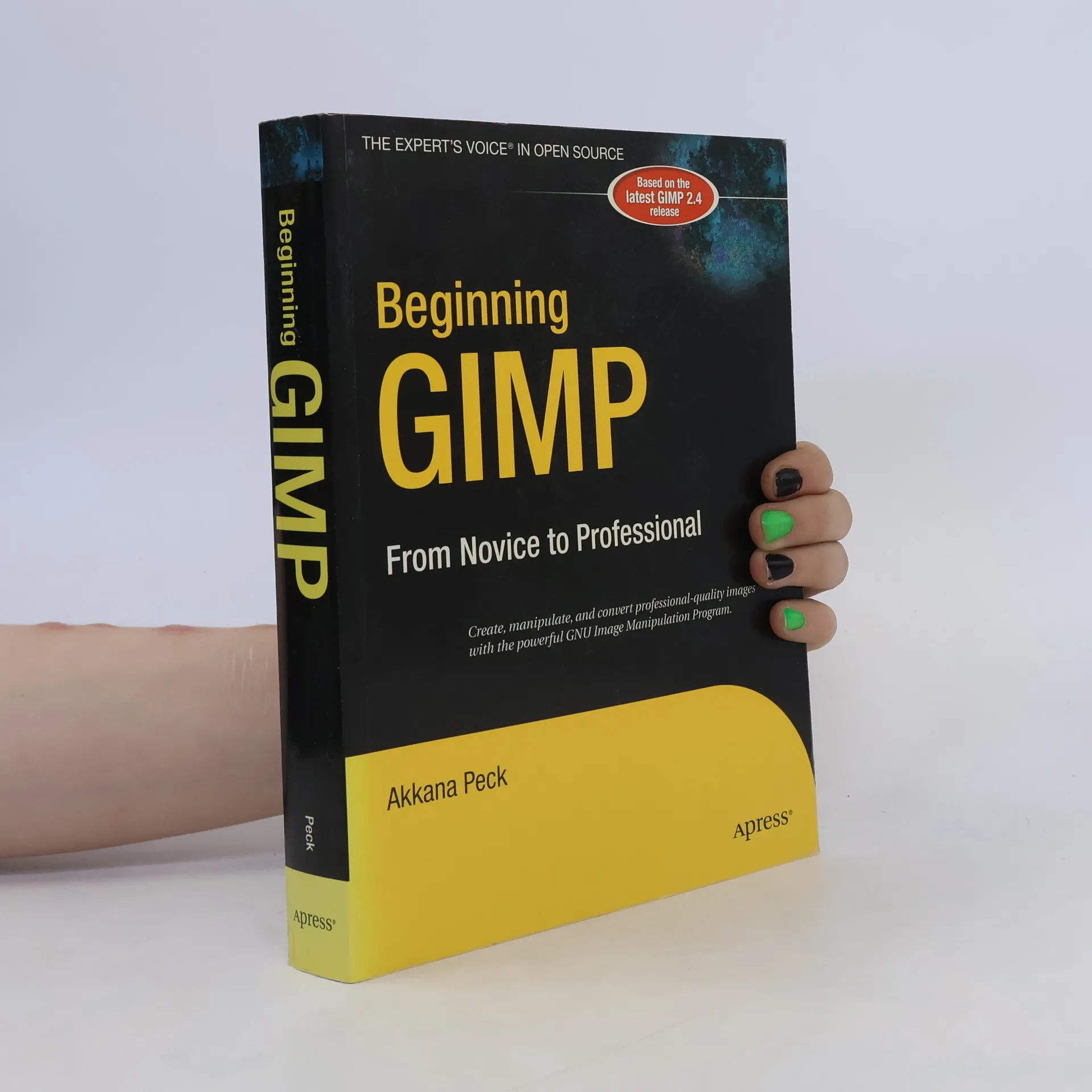
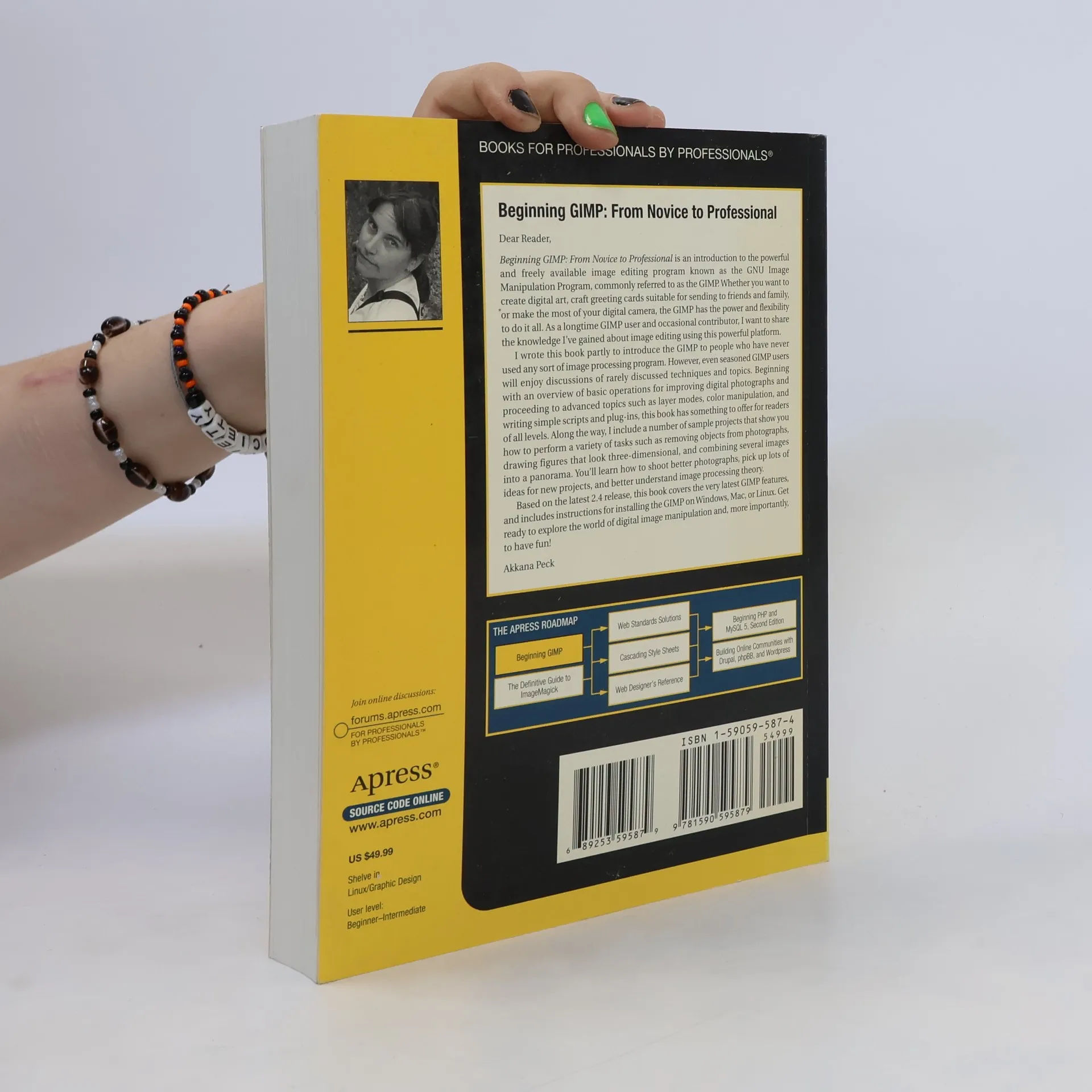
From first installation to advanced image manipulation techniques, this book explains how anyone can utilize GIMP: a free, open source image manipulation program. You will learn how to install GIMP on Windows, Linux, and Mac OS X platforms. Once you've installed the application, you'll learn about the interface and configuration options, and then jump into a quick and simple project to familiarize yourself. You will learn how to prepare camera images for display on web pages--including processes like rescaling, cropping, and balancing color. Utilizing layers, paths, and masks are also covered in extensive detail. You will also learn how to draw lines and shapes; utilize patterns and gradients; and even create your own brushes, patterns, and gradients. The author teaches you how to touch up digital photographs, smudging away blemishes, fixing red-eye, and stitching panoramic images. You'll learn how to tap into the powerful filters, effects, and plug-ins that are available for GIMP and automate tasks using scripts. The entire book is approached in a project-based manner, and as you progress, numerous projects will help strengthen your newly acquired abilities.


Compra de libros
Beginning GIMP, Akkana Peck
- Idioma

- Publicado en
- 2006
- Encuadernación
- (Tapa blanda)
Métodos de pago
Nos falta tu reseña aquí
- Título
- Beginning GIMP
- Idioma
- Inglés
- Autores
- Akkana Peck
- Editorial
- Apress
- Publicado en
- 2006
- Formato
- Tapa blanda
- Páginas
- 552
- ISBN10
- 1590595874
- ISBN13
- 9781590595879
- Serie
- Etiquetas
- No ficción, Arte / Cultura, Tecnología & Ingeniería, Guías y Manuales, Arte, Ordenadores & Internet, Software
- Calificación
- 3,9 de 5
- Descripción
- From first installation to advanced image manipulation techniques, this book explains how anyone can utilize GIMP: a free, open source image manipulation program. You will learn how to install GIMP on Windows, Linux, and Mac OS X platforms. Once you've installed the application, you'll learn about the interface and configuration options, and then jump into a quick and simple project to familiarize yourself. You will learn how to prepare camera images for display on web pages--including processes like rescaling, cropping, and balancing color. Utilizing layers, paths, and masks are also covered in extensive detail. You will also learn how to draw lines and shapes; utilize patterns and gradients; and even create your own brushes, patterns, and gradients. The author teaches you how to touch up digital photographs, smudging away blemishes, fixing red-eye, and stitching panoramic images. You'll learn how to tap into the powerful filters, effects, and plug-ins that are available for GIMP and automate tasks using scripts. The entire book is approached in a project-based manner, and as you progress, numerous projects will help strengthen your newly acquired abilities.